Librarians & Audiobook Lovers,
We are thrilled to welcome you to the new & improved PenguinRandomHouseLibrary.com—which is also the new home for Books on Tape & Listening Library and all things audio for your libraries!
Penguin Random House Library Marketing is dedicated to serving you with this new one-stop destination where librarians can now discover (easily sort, and even add to a wish list!) ALL formats of our ever-growing list of titles. This includes product pages for the audiobook and large print editions. And we promise you will still enjoy the same type of audiobook content you loved over at booksontape.com right here—plus, much more!
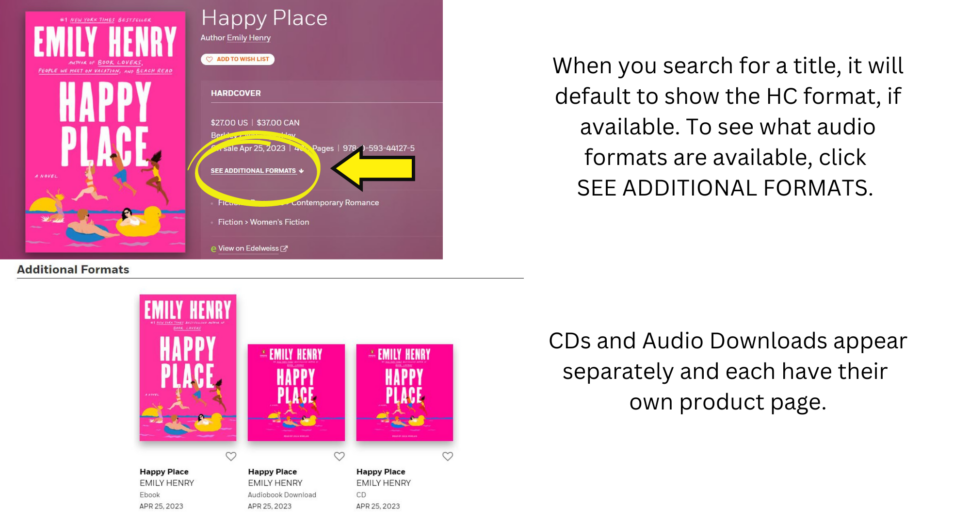
PLEASE NOTE: CD & audio downloads appear on separate product pages rather than as a drop-down on same page. Be sure to click “Available Formats” to view what’s available. See example below:
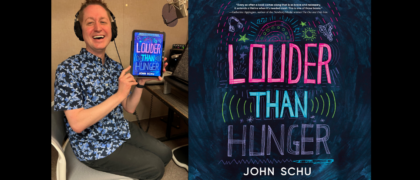
Audiobooks are more popular than ever, and we are excited to continue to support your listener advisory needs! Here is just some of the audiobook content you will continue to find:
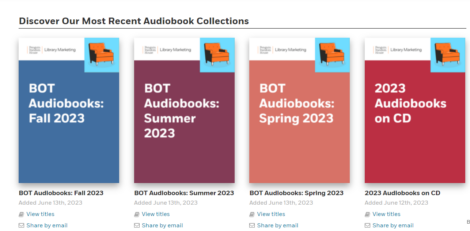
Example of Seasonal Collections on our new site
IMPORTANT CHANGE TO NOTE:
CDs and Large Print can no longer be purchased on this site.
What else is new?
By joining all of our library content and resources together, as well as our catalog pages and formats, we hope to help you meet the demand of your patrons who are likely now readers AND listeners in greater numbers than ever before.
BOT/Listening Library has been creating partnerships with libraries for decades. We are thrilled to continue that tradition alongside our greater Penguin Random House family, and will continue to do whatever we can to help librarians get the right book or audiobook in patrons’ hands, in their digital devices, in their CD players, or whichever way they choose to consume great storytelling!
Thank you for visiting our new site!